
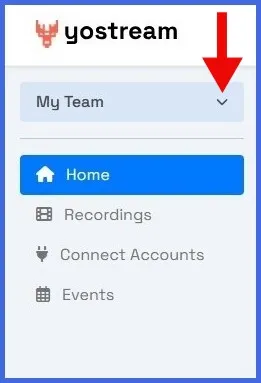
Step 1.
On your Yostream dashboard, click the My Team dropdown in the top-left corner.
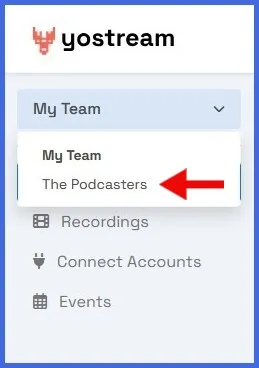
Step 2.
From the list, select the team you want to leave. In this demo, choose The Podcasters. The team will become active in your workspace.
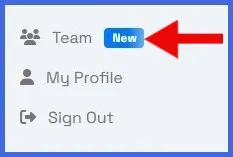
Step 3.
In the left panel, scroll to the bottom and click the Team icon.
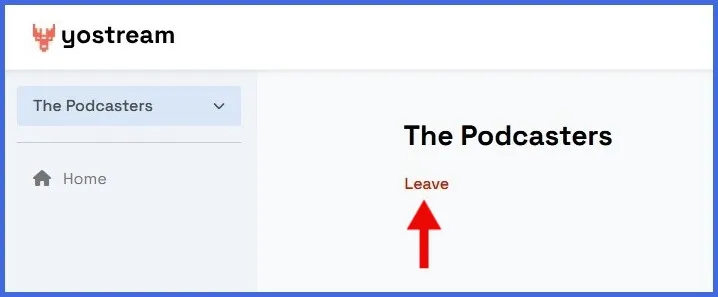
Step 4.
Under the team’s name, click Leave.