
In Yostream, only the Owner has the authority to change a team member’s role. Admins and Co-hosts cannot update or assign roles, ensuring that role management remains secure and centralized.
Step 1.
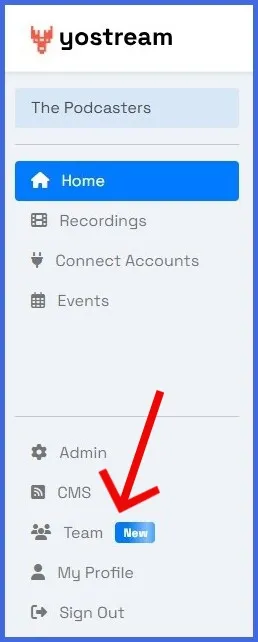
Select Team in the left panel of your Yostream dashboard.
Step 2.
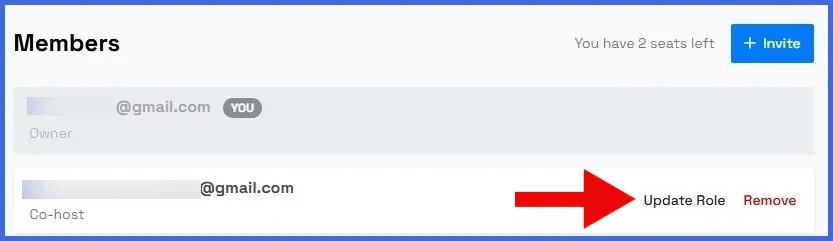
Click on 'Update Role' under the Members section.
Step 3.
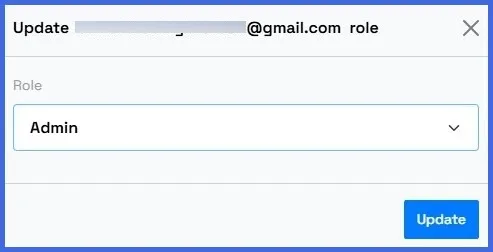
Use the dropdown arrow to change a member’s role. For example, update a Co-host to Admin or convert an Admin to Co-host.