
Only the Owner and Admins have the authority to update or change the team’s name in Yostream. Co-hosts do not have this permission, as their role is limited to supporting live streams and collaborations, not managing team settings.
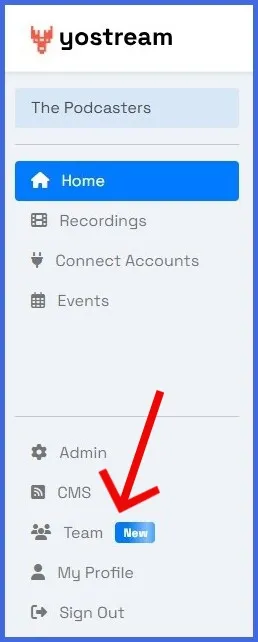
Step 1.
Click the Team icon in the left panel of your dashboard.
Step 2.
Click 'update' under the My Team section.

Step 3.
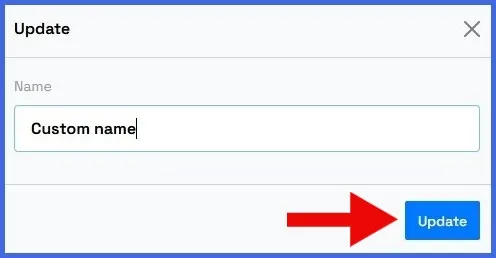
Input the new name, and click update.